Steps
Numbered "How it works" steps, side by side or as a vertical timeline with code or images.
How it works
From repo to published page in an afternoon
No plugins to wire together and no separate CMS to host. Root.js ships the framework and the editor in one package.
-
01
Build components
Write Preact components and describe their props with a schema. Types are generated for you.
-
02
Compose pages
Editors stack templates into pages, fill in fields and preview every change on the real site.
-
03
Publish instantly
Hit publish and the page is live. Schedule releases, roll back or localize without a deploy.
Migration
Move from your legacy CMS in four steps
-
01
Audit
We map your existing content types to Root.js schemas.
-
02
Import
A script copies every page, image and translation.
-
03
Review
Editors compare old and new side by side in preview.
-
04
Launch
Flip DNS. Redirects are generated from your old URLs.
-
01
Create a project
Scaffold a new site with the starter template, including a design system and example modules.
terminal$npm create root-app@latest my-site$cd my-site -
02
Connect the CMS
Point the CMS plugin at your Firebase project. Collections and templates are discovered automatically.
root.config.tsexport default defineConfig({ plugins: [ cmsPlugin({ id: 'www', firebaseConfig, }), ],}); -
03
Start editing
Run the dev server and open localhost:4007/cms/. Every change you make is previewed live.
terminal$pnpm dev
How editors publish a page
The whole flow happens in the browser. No tickets, no waiting on a deploy.
-
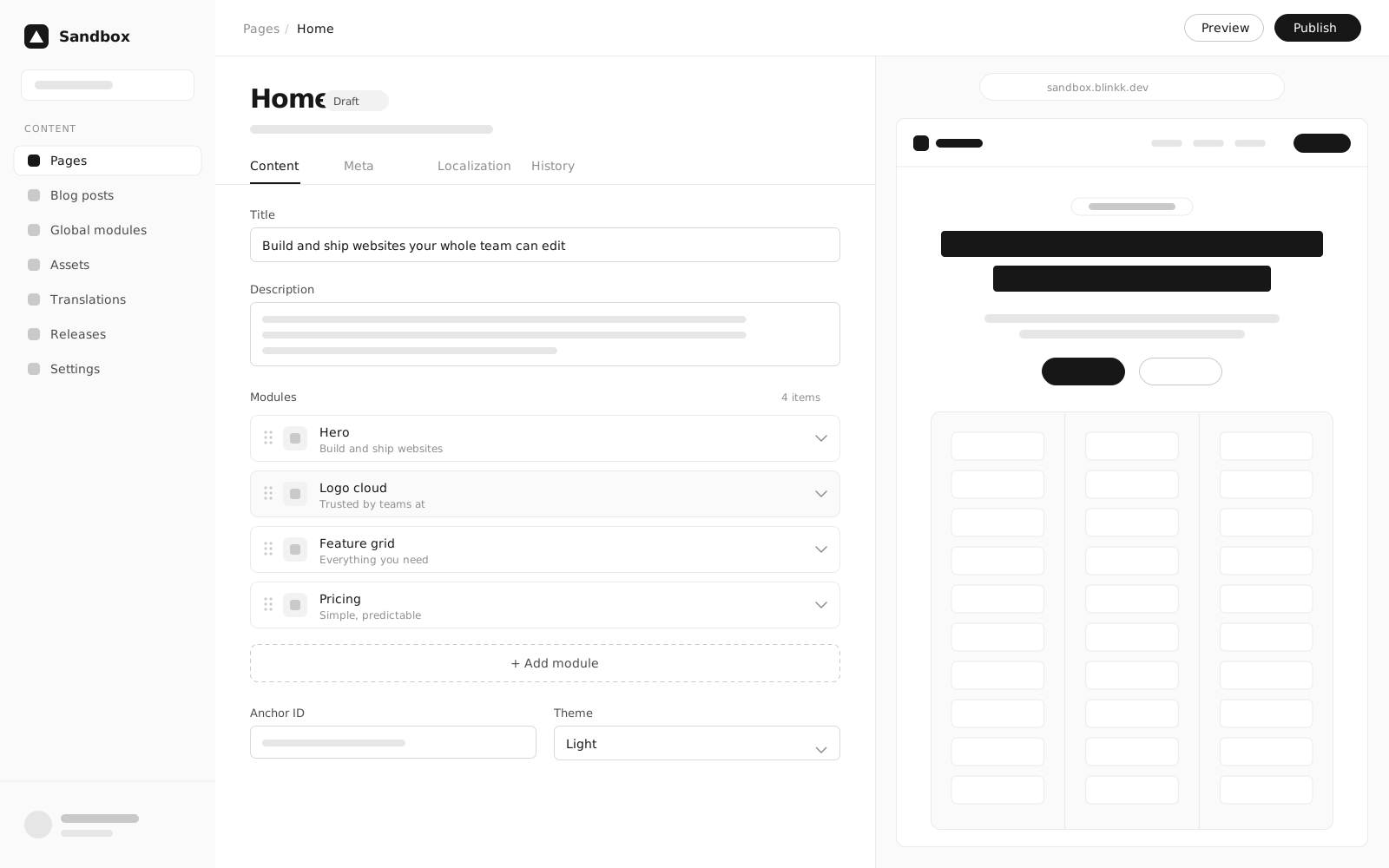
01
Pick modules
Choose from presets in the module picker and drop them onto the page.
-
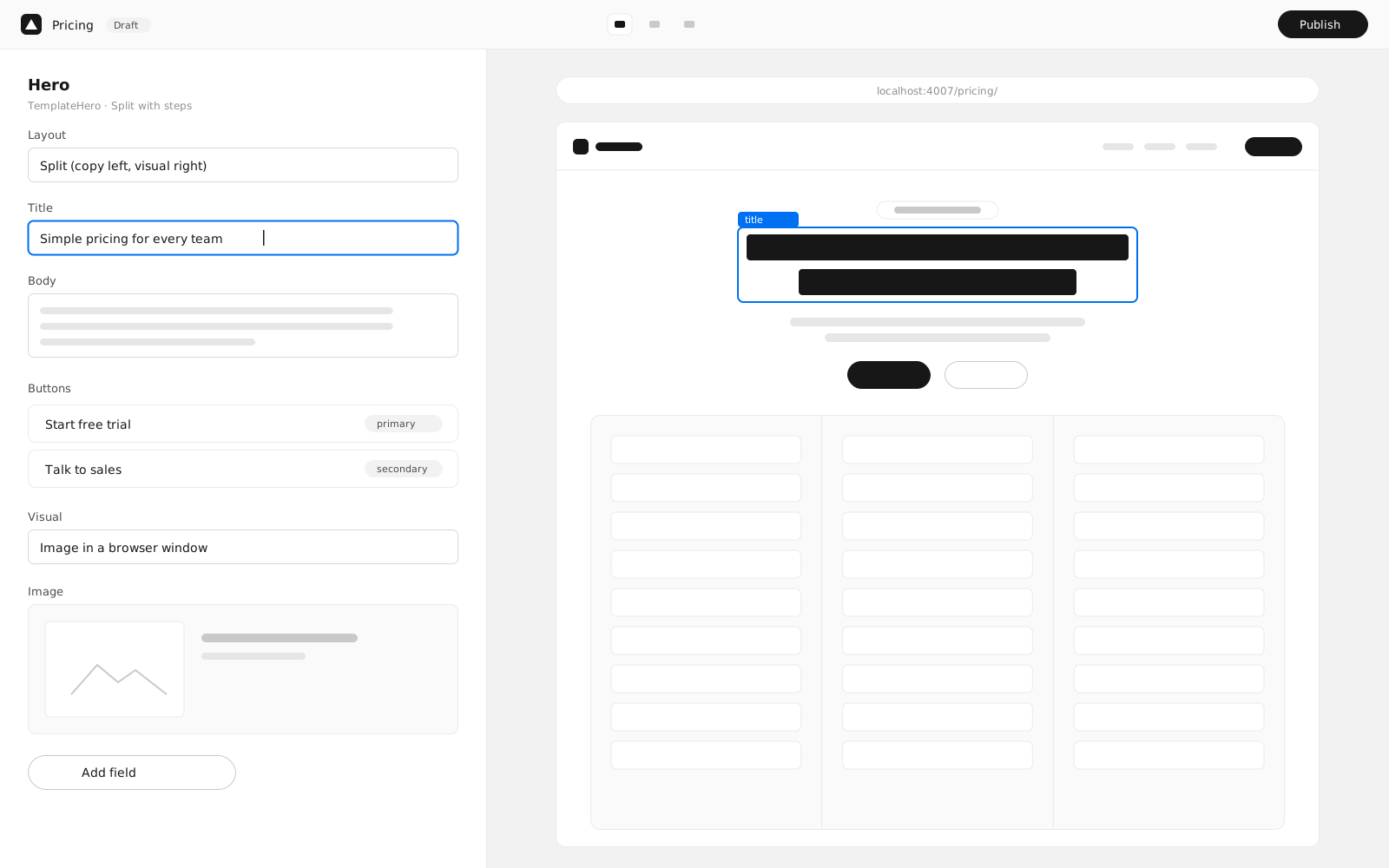
02
Preview side by side
See the real page update as you type, on desktop and mobile widths.
-
03
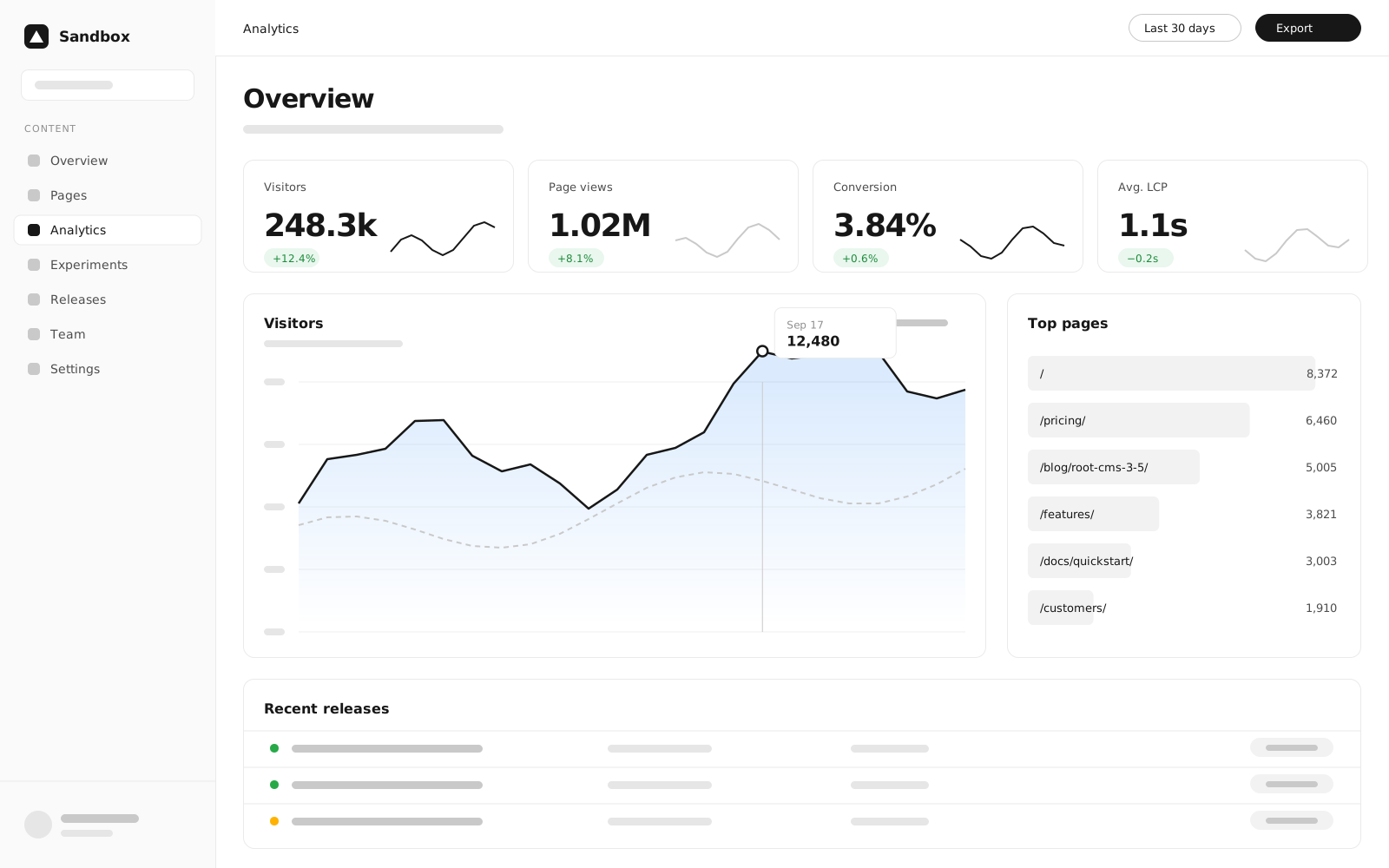
Track results
Publish and watch traffic and conversions roll in on the dashboard.