How editors publish a page
The whole flow happens in the browser. No tickets, no waiting on a deploy.
-
01
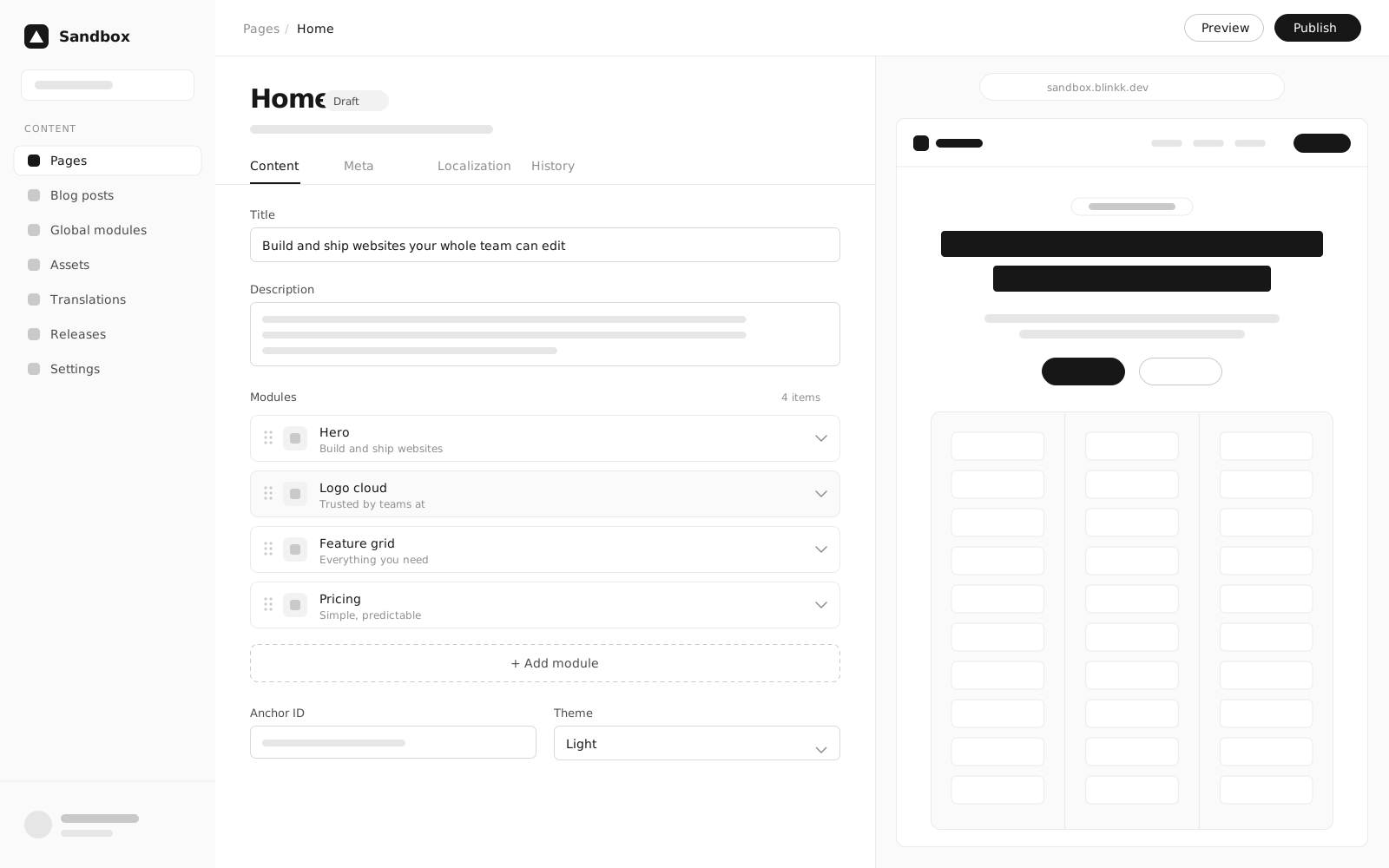
Pick modules
Choose from presets in the module picker and drop them onto the page.
-
02
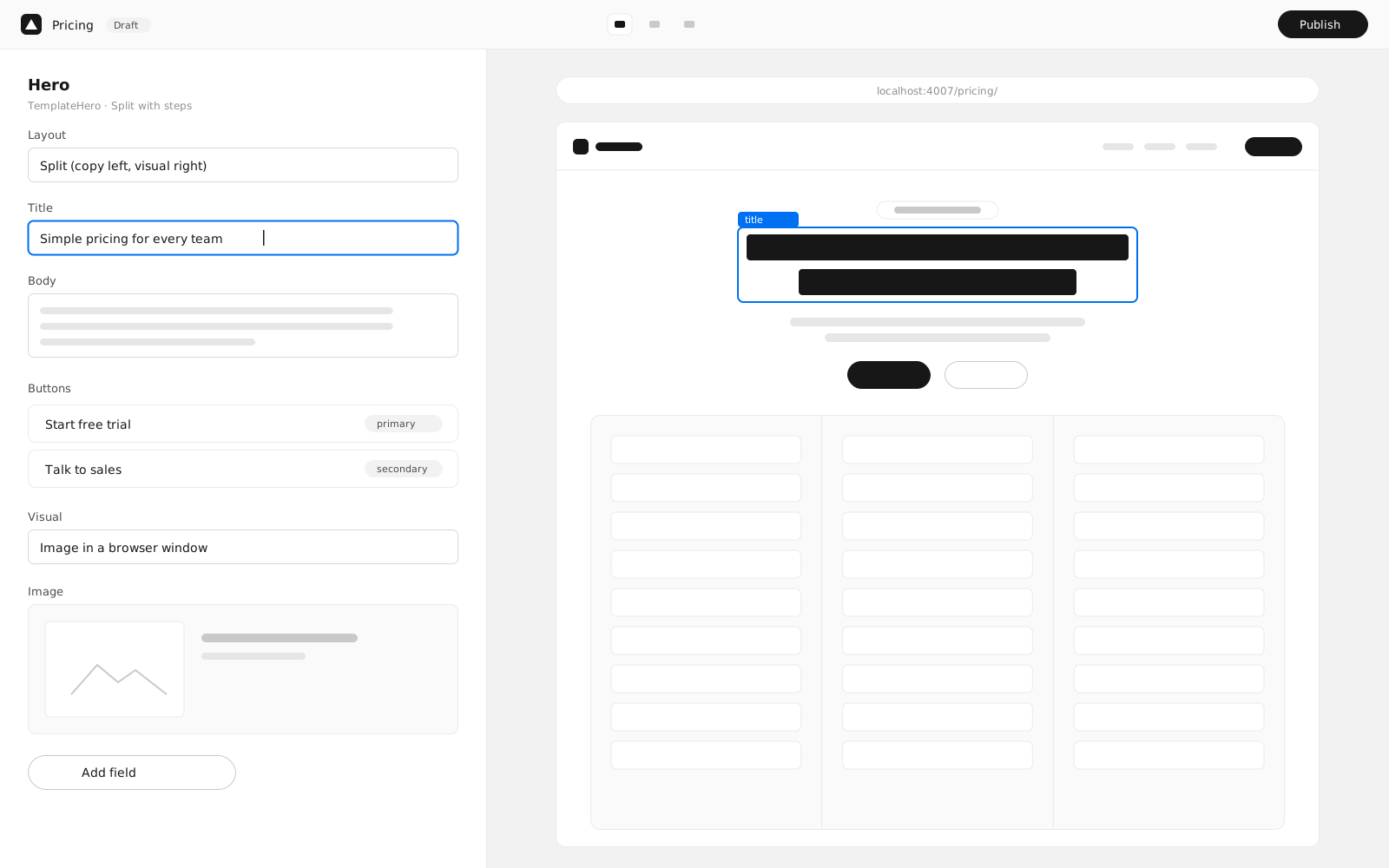
Preview side by side
See the real page update as you type, on desktop and mobile widths.
-
03
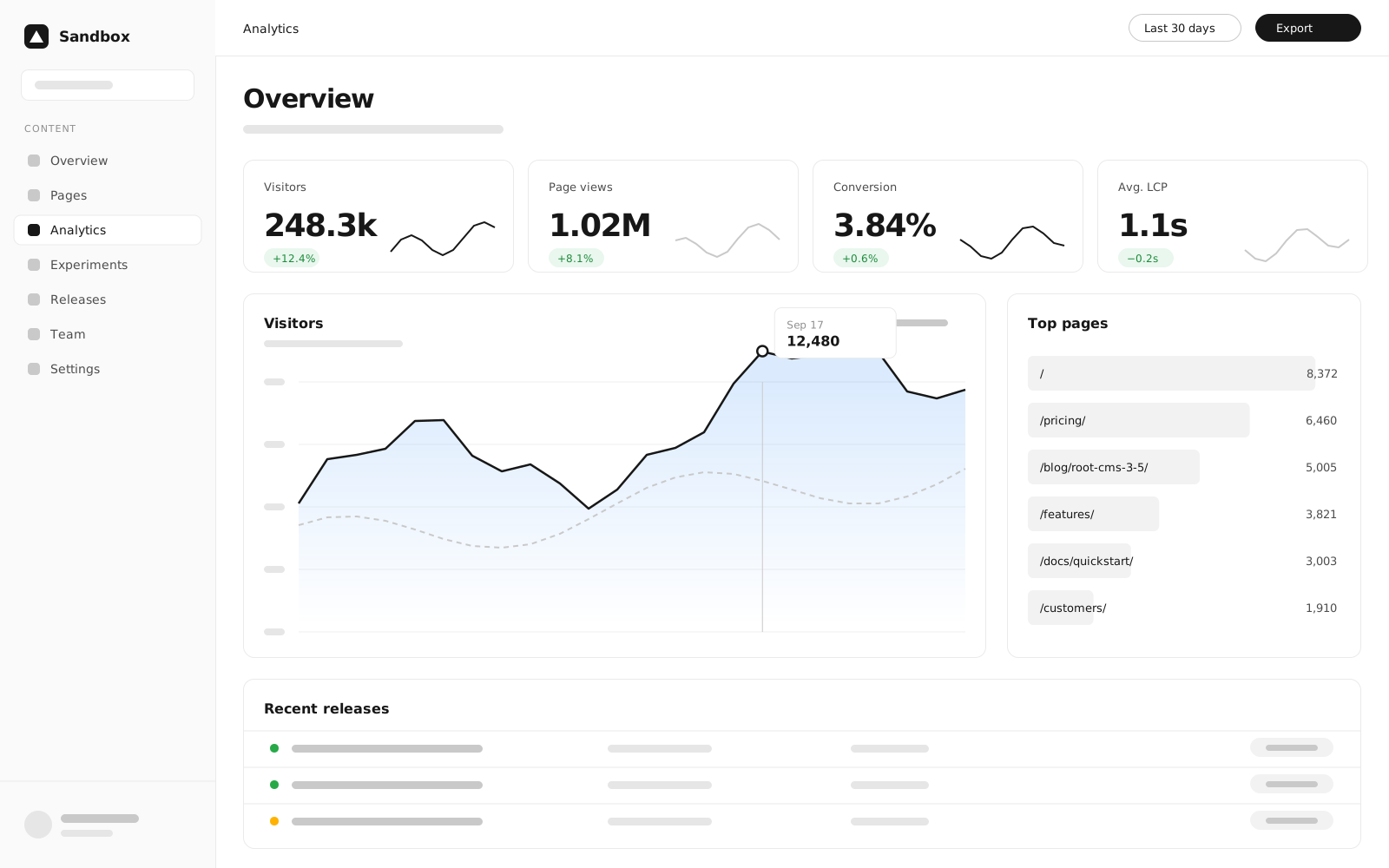
Track results
Publish and watch traffic and conversions roll in on the dashboard.