Use cases
Section header, then rows of use cases: copy on the left, a code sample or image on the right.
Use cases
One platform, every kind of page
From a single landing page to a global site in forty languages, Root scales with your content.
Marketing sites
Give marketers a library of on-brand modules and let them launch campaigns without a ticket.
See templatesexport default schema.collection({ name: 'Pages', url: '/[...slug]', preview: {title: 'meta.title'}, fields: [ // Editors stack modules from the design system. schema.array({ id: 'modules', of: schema.oneOf({types: schema.glob('/templates/*/*.schema.ts')}), }), ],});Global launches
Translate every field, preview each locale and publish all markets together with a scheduled release.
Learn about localizationexport default defineConfig({ i18n: { locales: ['en', 'de', 'fr', 'ja', 'es-419'], // /de/pricing/, /ja/pricing/, … urlFormat: '/{locale}/{path}', },});Content-driven apps
Fetch published content from any route or API. Render statically, or on request with SSR.
Read the docsexport async function getStaticProps(ctx) { const cms = new RootCMSClient(ctx.rootConfig); // Published docs only; drafts show in preview. const post = await cms.getDoc('BlogPosts', ctx.params.slug, {mode: 'published'}); return {props: {post}};}Who it’s for
Built for the whole website team
Content editors
Edit pages visually with a live preview, and let AI assist with first drafts and alt text.
Tour the editor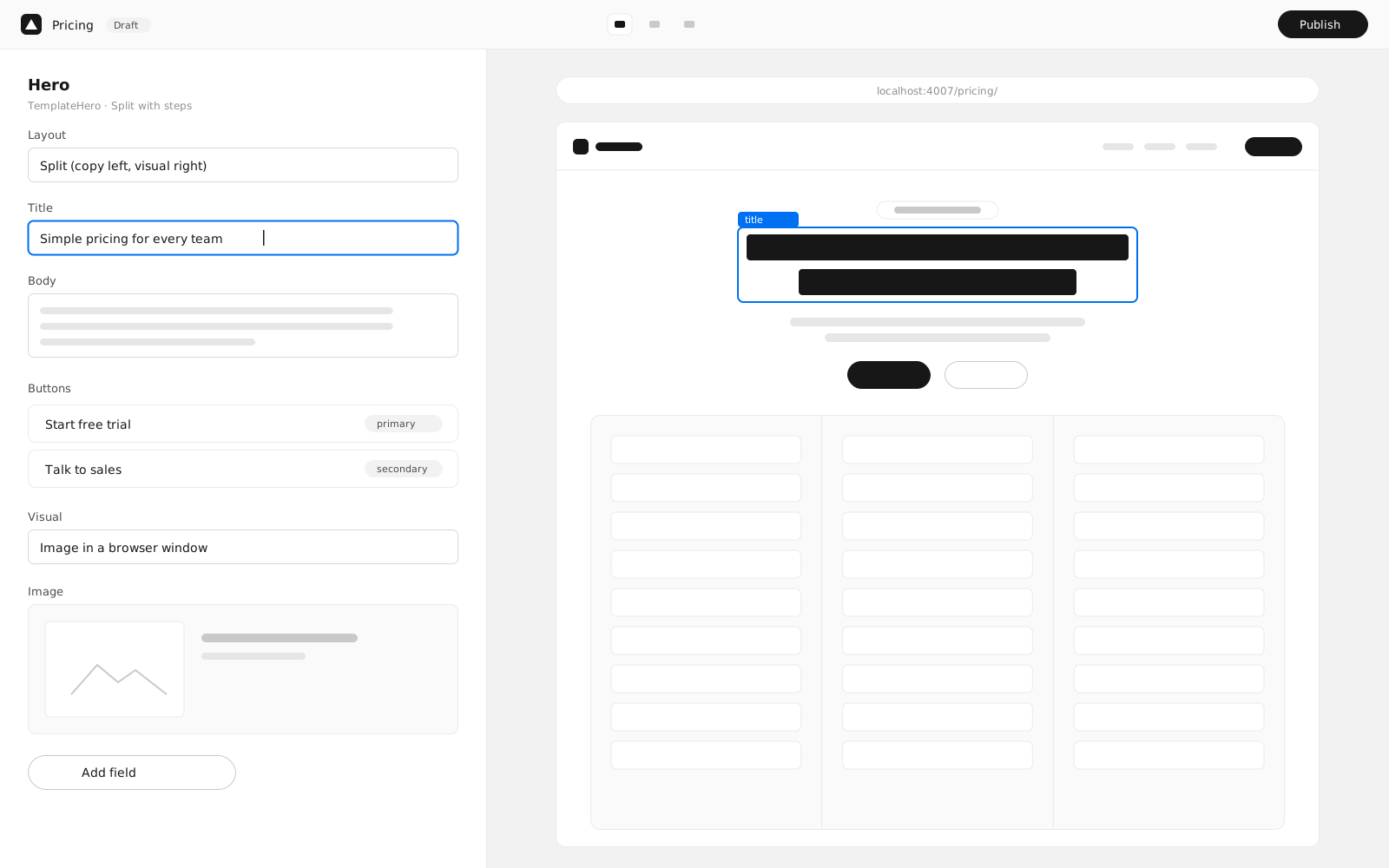
Site managers
Plan releases, review changes and roll back any page to a previous version.
See releases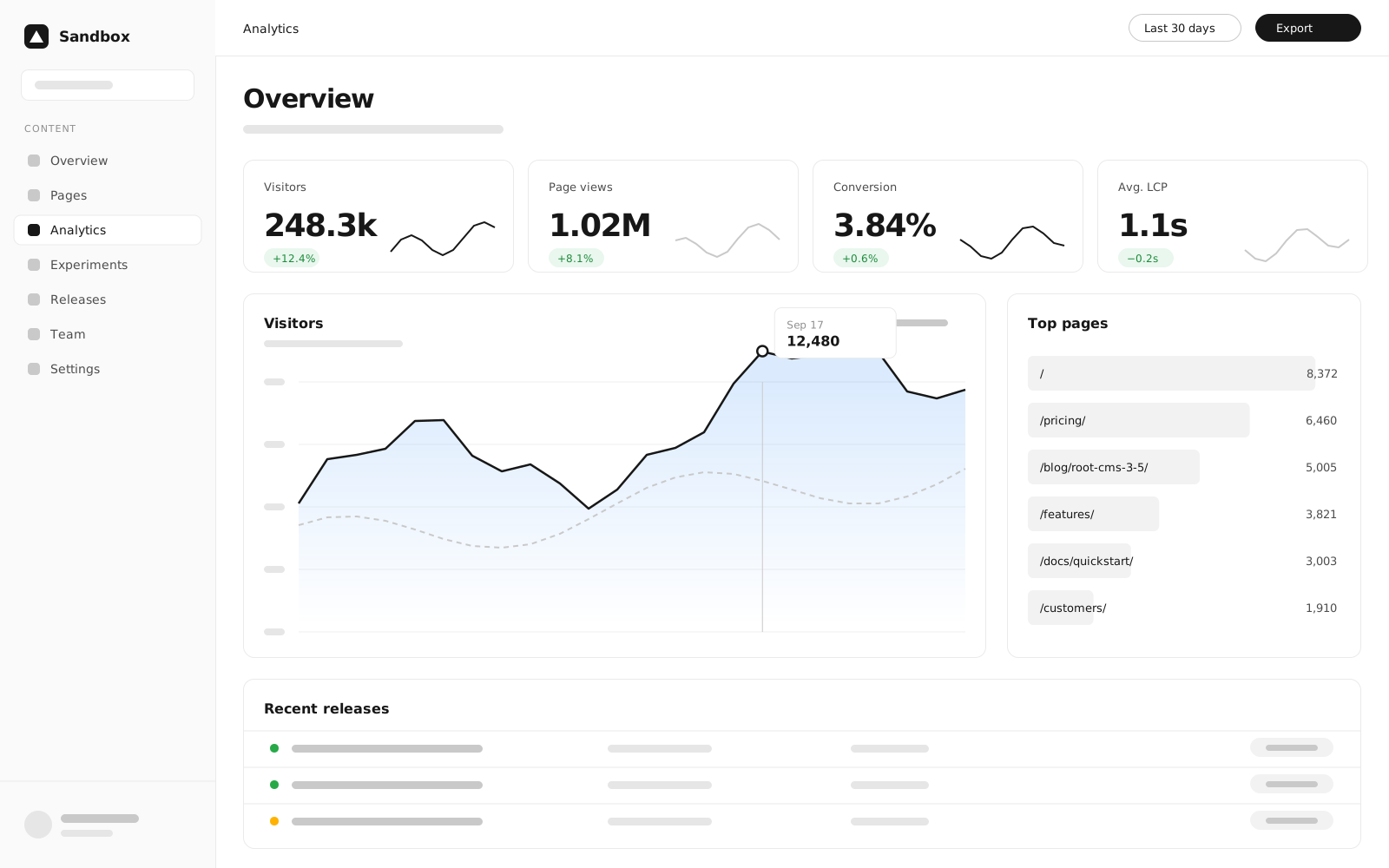
Developers
Write components in TSX, define fields in a schema and get typed content for free.
Start building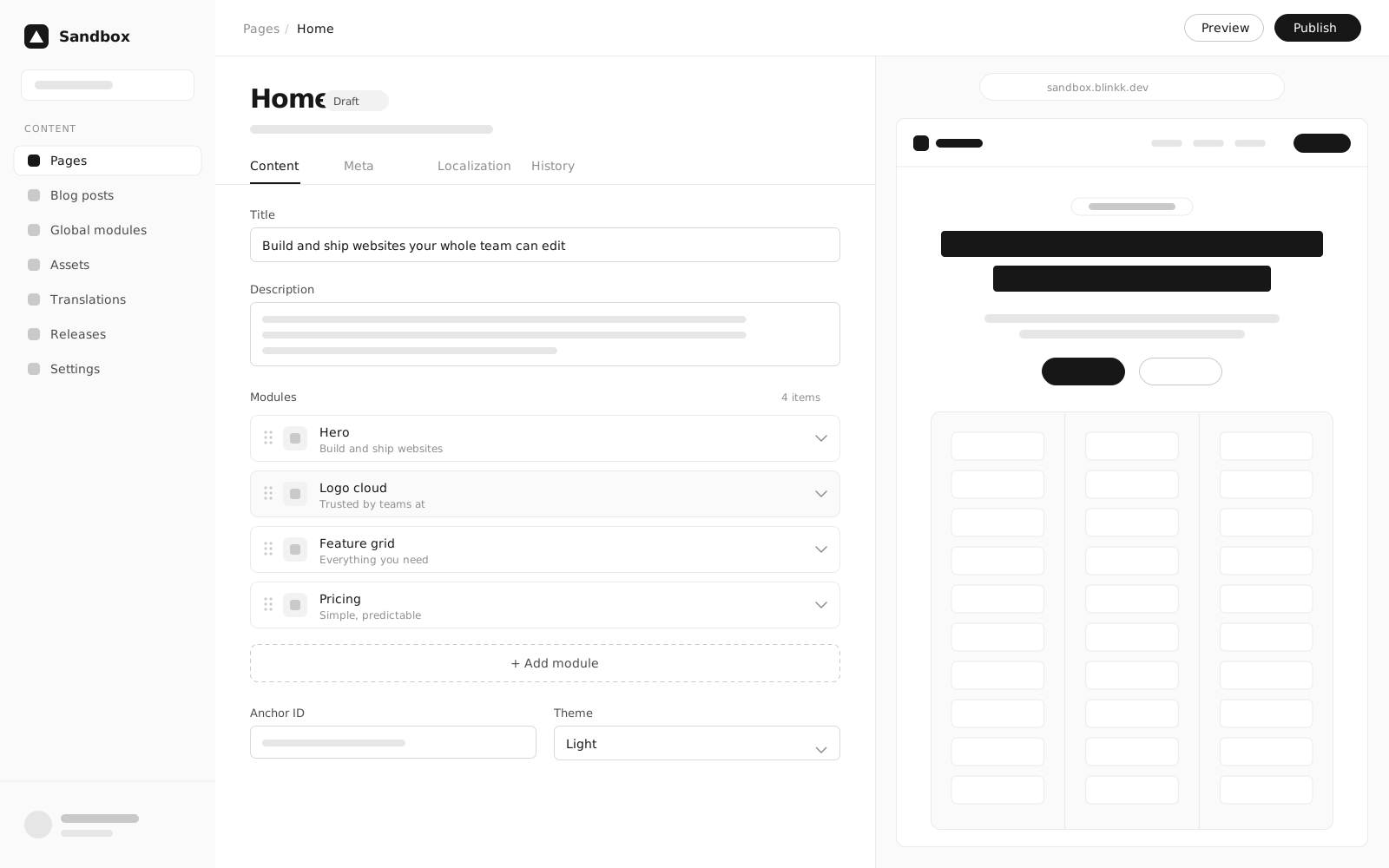
Workflows
Automate the busywork
Hook into publish events, sync translations and run checks before anything goes live.
Scheduled publishing
Queue a release for launch morning. It publishes on time, even if nobody is online.
# Publish the release at 9:00 Pacificroot-cms releases schedule spring-launch \ --at "2026-10-06T09:00:00-07:00"Translation sync
Export strings to your translation vendor and import them back, per locale.
# Send new strings out, pull finished ones backroot-cms translations export --locales=de,fr,jaroot-cms translations import ./translations